Pokii lets you delete any entry (shots or check-ins) if you need to make a correction.
Delete an Entry
Open the list where your entry appears (e.g., Dashboard, Calendar View, etc.).
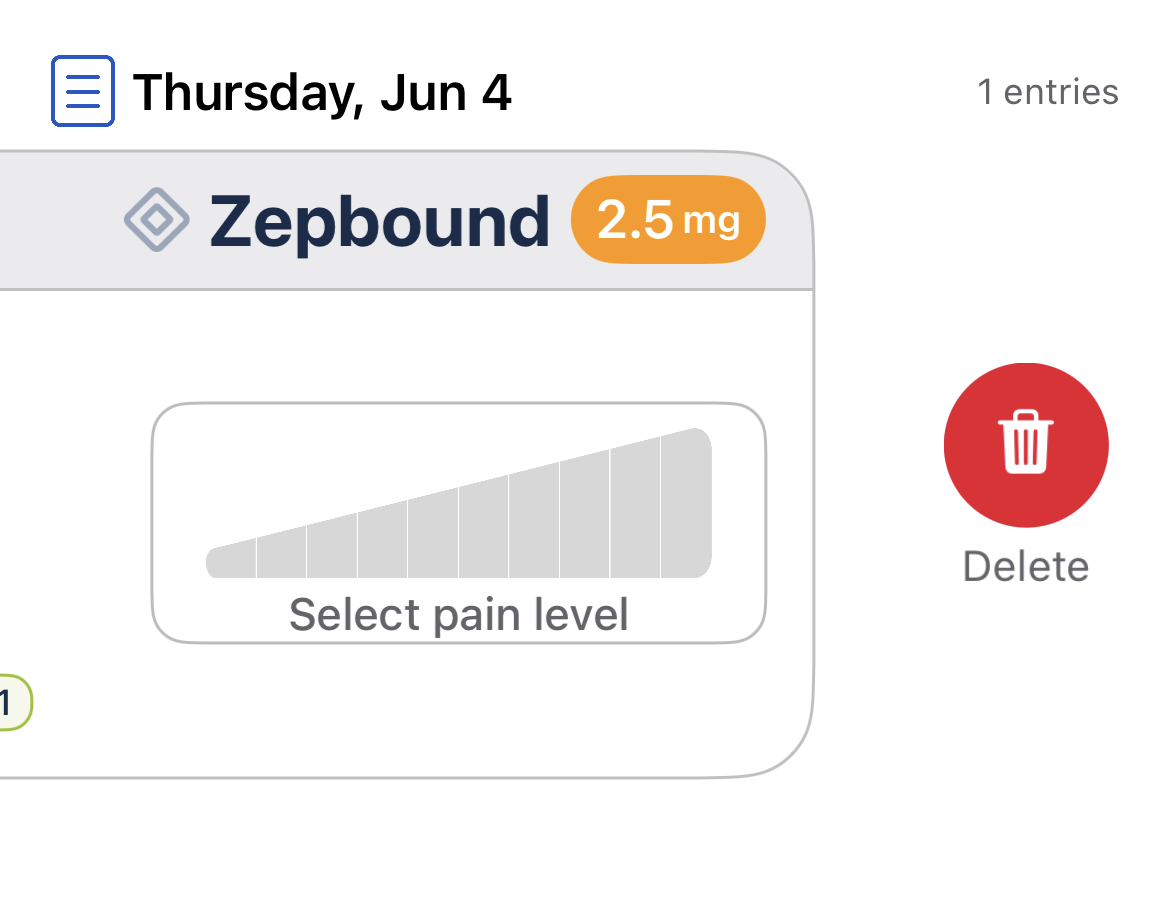
Swipe left on the entry you want to remove.
A red trash can will appear — tap to Delete.
Was this article helpful?
That’s Great!
Thank you for your feedback
Sorry! We couldn't be helpful
Thank you for your feedback
Feedback sent
We appreciate your effort and will try to fix the article