Pokii is an app built specifically for people on GLP-1 medications — things like Zepbound, Ozempic, Wegovy, Mounjaro, and many others. It gives you one place to track your shots, see how your medication is working, and follow your progress over time.
Whether you're just starting out or a few months in, Pokii is designed to help you stay on top of your journey without it feeling like homework.
Logging Your Shots
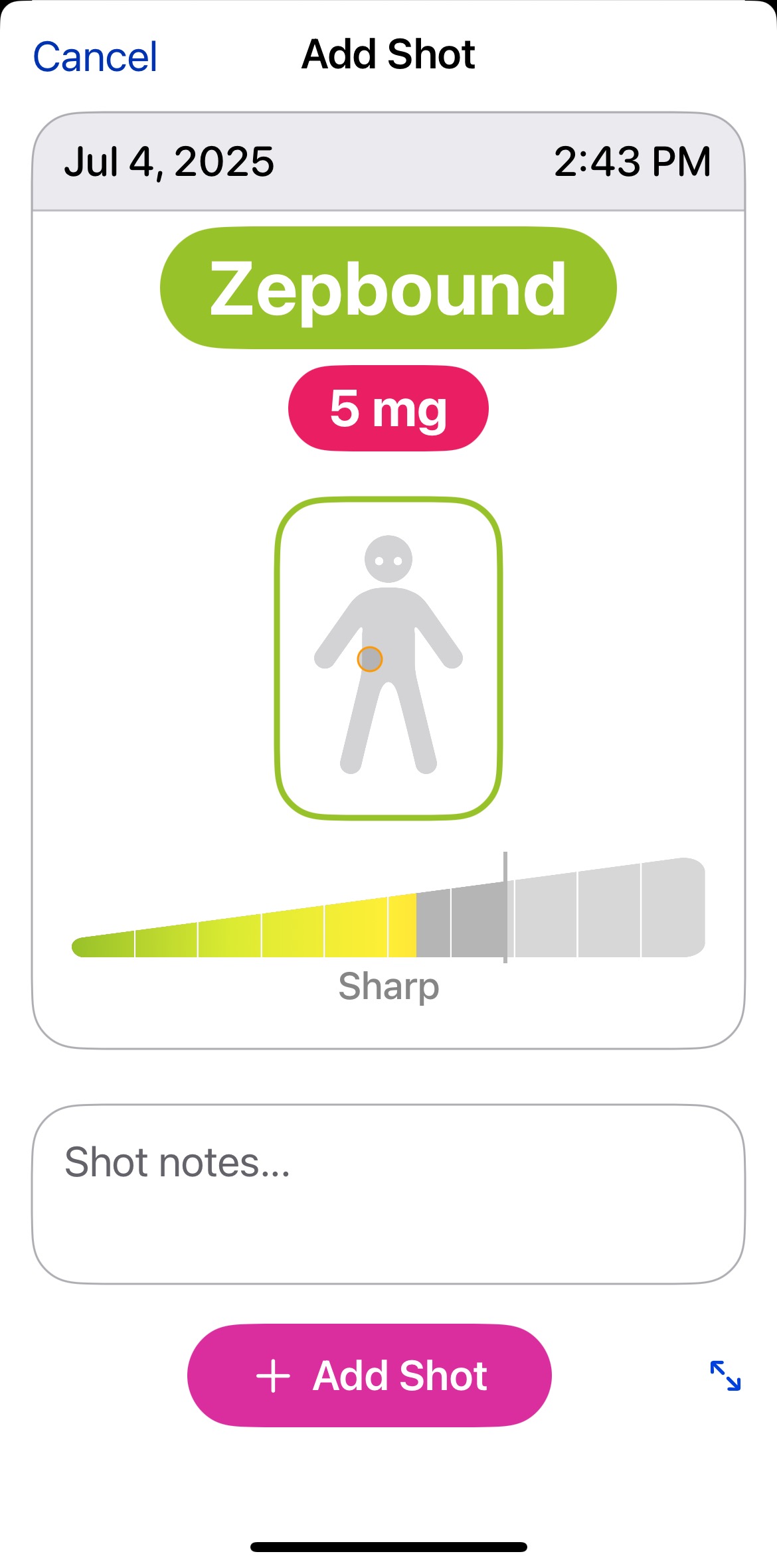
Each time you take a dose, you can log it in Pokii — the medication, dose amount, and injection site. Pokii supports all major GLP-1 medications and lets you add custom ones too. If you take more than one medication, you can log each one separately and see them together on the chart.
Your Medication Level Chart
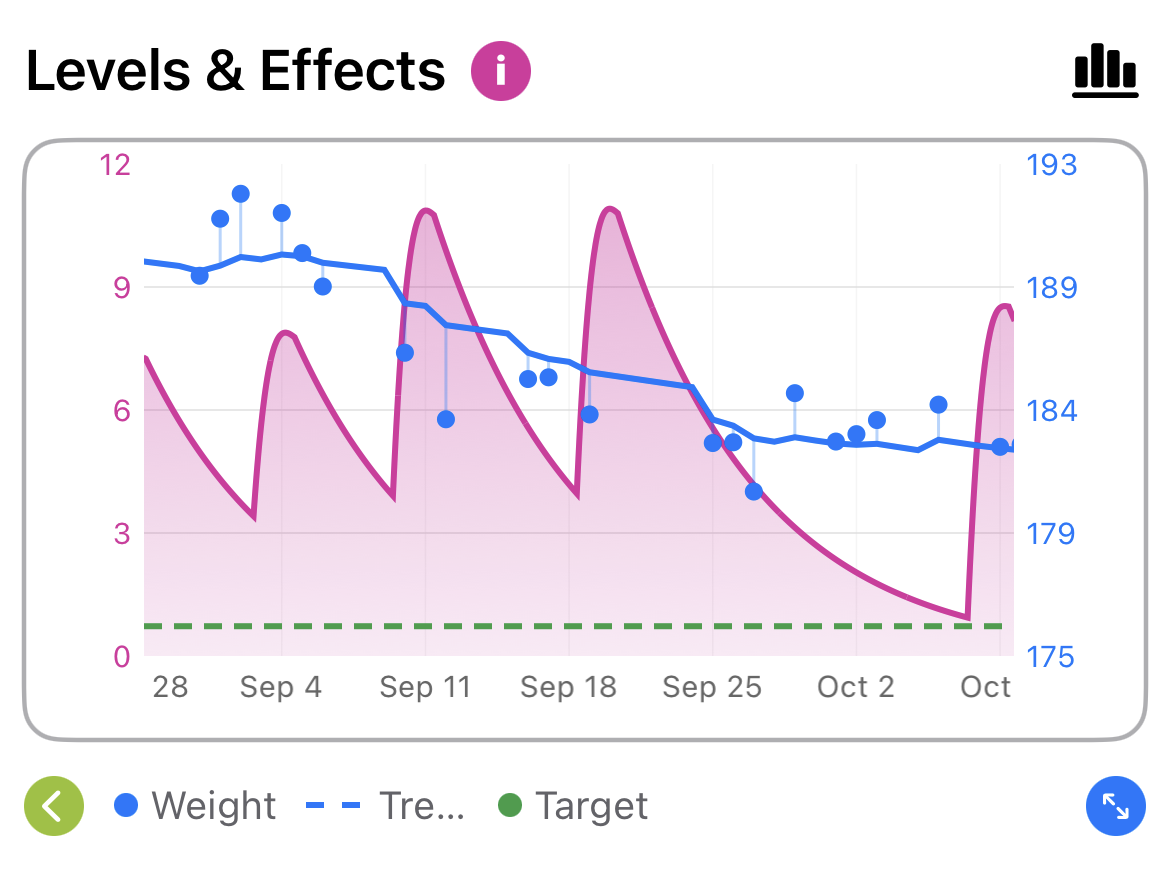
One of Pokii's most useful features is the projected medication level chart. Based on when you took your shot and the pharmacokinetics of your medication, it shows you a curve of how the drug is building up (or tapering off) in your body over time. You can also overlay your weight data to see how the two track together.
Check-ins
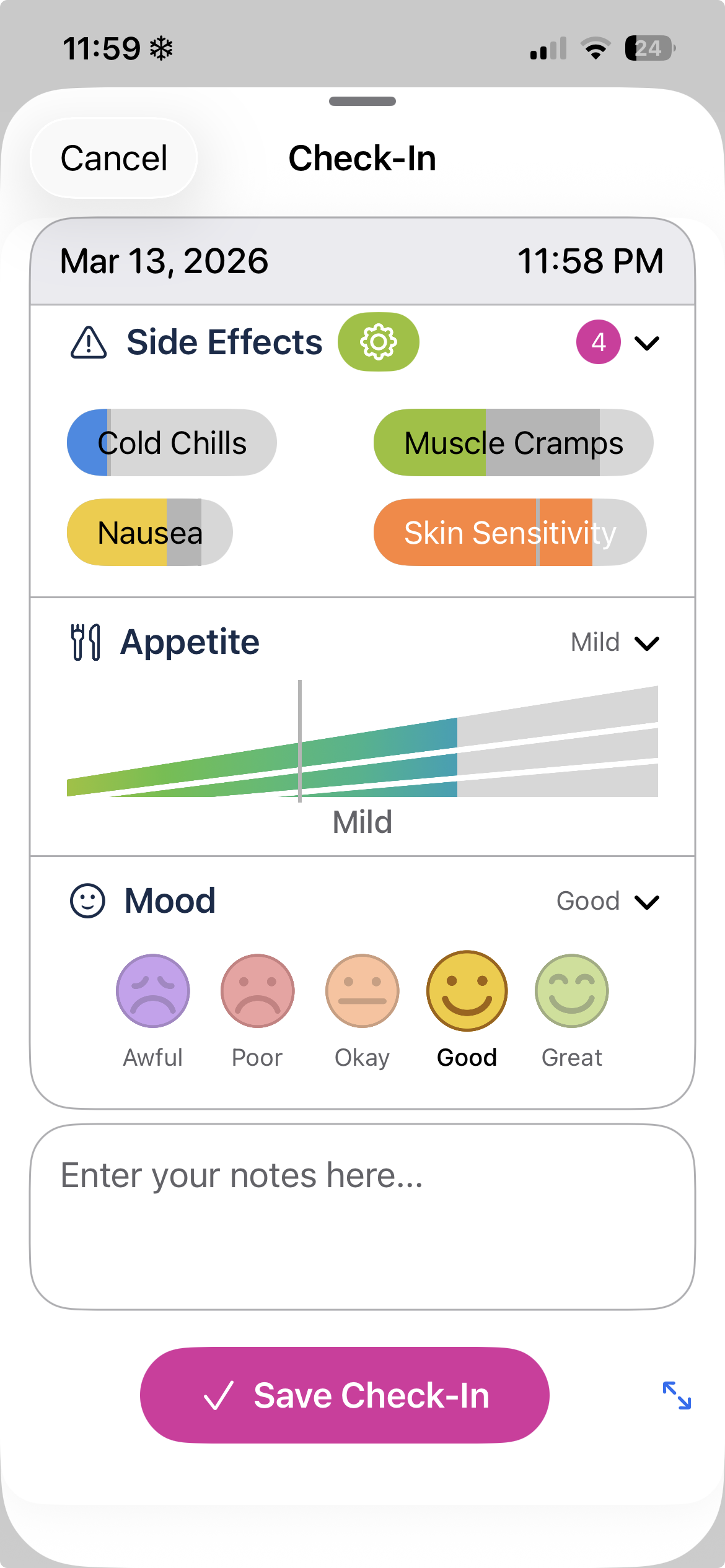
Beyond shots, Pokii lets you do check-ins to log how you're feeling — side effects, appetite, mood, and notes. We use relative tracking, so instead of entering a number, you're comparing how you feel today versus your last entry. It's a small thing, but it makes the data a lot more meaningful over time.
Reminders & Shot Day
Pokii can remind you when your next shot is due and send a daily nudge if you haven't done a check-in yet. You can configure both reminders to fire at whatever time works for you.
Weight & Progress
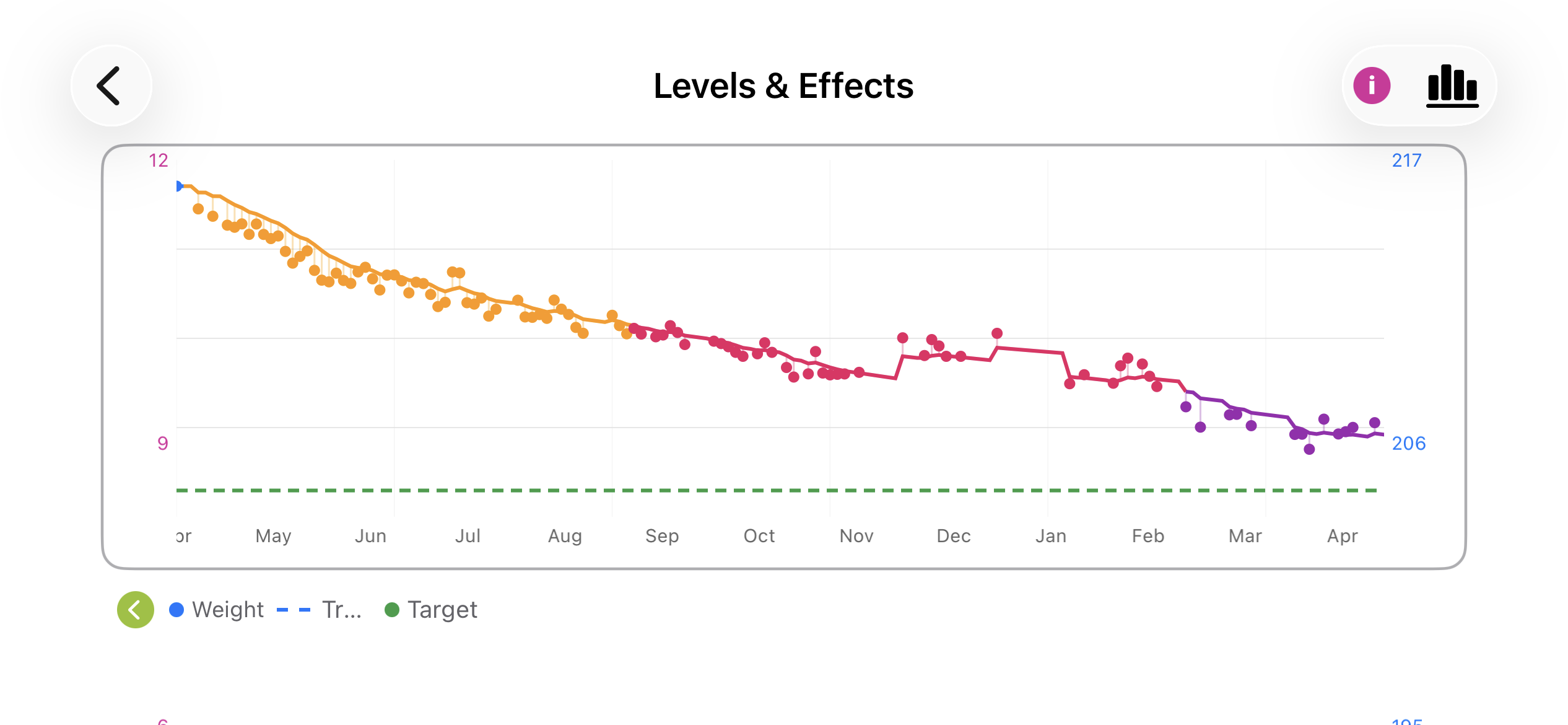
You can log your weight directly in Pokii or pull it in from Apple Health — whichever you prefer. Over time, your My Journey view gives you a visual record of your progress, including photos, starting weight, current weight, and how long you've been on your medication.
Apple Health
Pokii can read and write weight data to Apple Health, so your weight stays in sync across any other apps you use. You can manage this permission under Settings → Support & Data → Apple Health.
Was this article helpful?
That’s Great!
Thank you for your feedback
Sorry! We couldn't be helpful
Thank you for your feedback
Feedback sent
We appreciate your effort and will try to fix the article